
How to make a digital business card for free
Five genuinely free ways to share your contact details digitally, what each one can and cannot do, and how to tell when a free card is enough and when it is worth paying.
Por Wesley Sing, Fundador de Newbi5 min de lectura
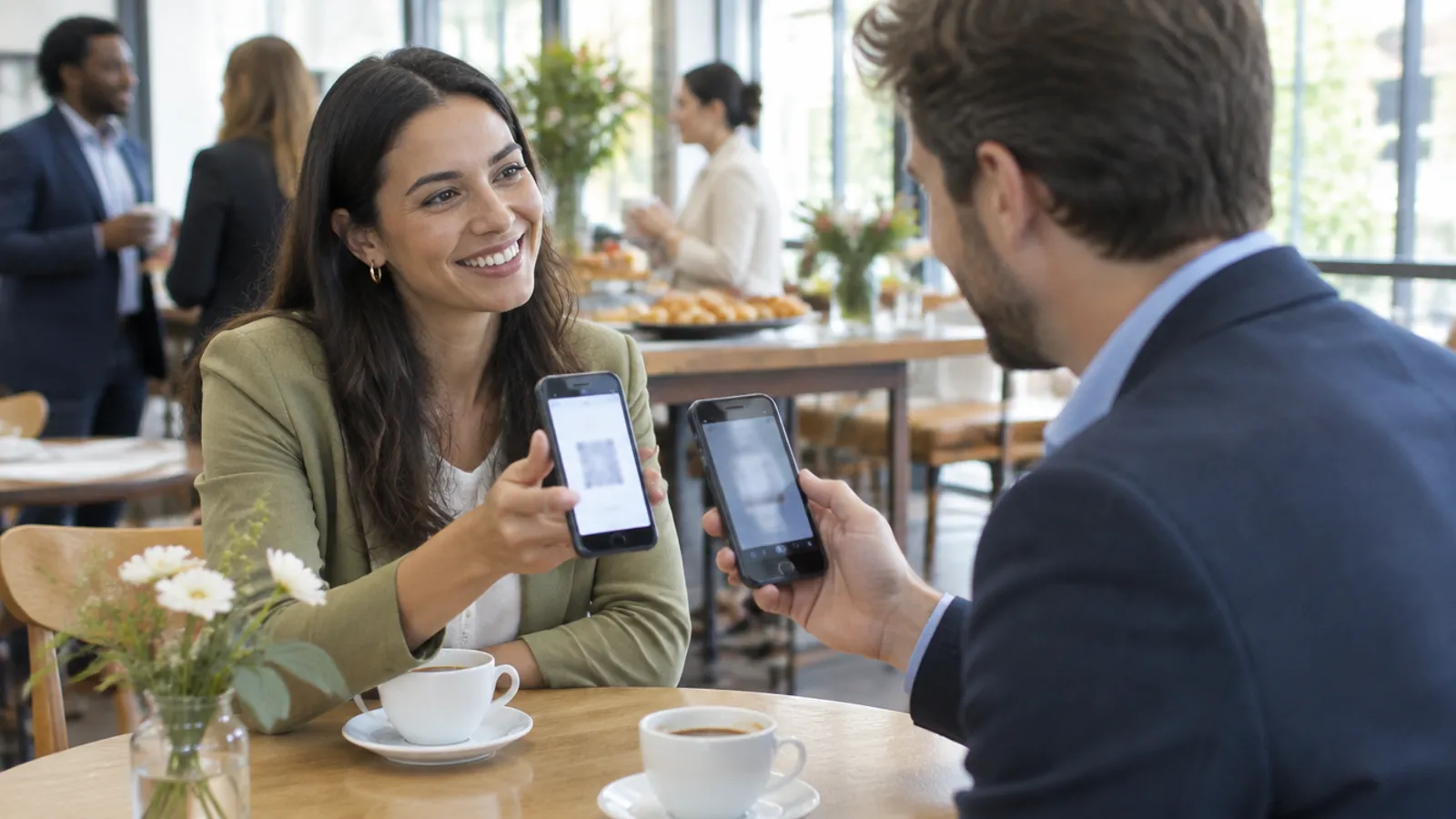
You do not need to pay anything to stop handing out paper business cards. If all you want is for people to have your name, number and email without typing them in, there are good free ways to do it, some of which are already on your phone.
Newbi does not have a free plan, so I have no reason to oversell the free options, or to undersell them either. Here they are, honestly, with what each one is good for and where it runs out.
1. Your phone's own contact card
Every smartphone can share a contact as a file that the other phone saves in one tap (a "vCard").
- On an iPhone, open Contacts, tap your own card at the top and choose Share Contact. iPhones running iOS 17 or later can also use NameDrop: hold the tops of two iPhones close together to swap contact cards.
- On Android, open Contacts or Phone, open your own profile and choose Share.
Good for: swapping details with someone in front of you. Runs out when: you want to share with someone who is not standing next to you, or update your details later. Everyone keeps the version you sent.
2. A free QR code of your contact details
Many free QR generators can turn your name, number and email into a QR code that saves your contact when scanned. Print it on the back of a paper card or keep a photo of it on your phone.
Good for: a printed card or a sign at your counter. Runs out when: your details change. A QR code like this holds the details themselves, so a new number means a new code and a reprint. Read the small print, too: some "free" generators make dynamic codes that stop working when a trial ends.
3. A WhatsApp link
If your customers mostly message you, a WhatsApp link may be all the card you need. A link in the form wa.me followed by your number in international format, with no plus sign, spaces or leading zero, opens a chat with you in one tap. The WhatsApp Business app can also show a QR code for your chat.
Good for: businesses that run on WhatsApp. Runs out when: people want your email, your address or to see your work before they message.
4. Your LinkedIn profile
LinkedIn can show a QR code for your profile in its app. For professional introductions, especially in corporate settings, it is a perfectly good free card: people see your role and history and can connect in a tap.
Good for: office and corporate networking. Runs out when: your customers are not on LinkedIn, which for many small businesses they are not.
5. A free plan from a digital card app
Several digital business card apps have free plans, and they are the closest thing to a full digital card without paying. On 8 October 2026, according to each company's own pricing page:
- HiHello offered four free cards, with Apple Wallet and Google Wallet passes and an email signature.
- Blinq offered two free cards, also with wallet passes.
- Popl and Mobilo both had a free option.
These give you a proper page with your photo and links, a QR code, and details you can update at any time, which fixes the biggest weakness of options 1 and 2.
Good for: most people who simply want a modern way to share their details. Runs out when: your card needs to do business: take a booking, show products and prices, or collect enquiries on a small budget. Those features usually sit in paid plans, or are not offered at all.
When a free card is enough
If you are an employee, a job seeker, or anyone whose card is an introduction, a free option will serve you well. Pay nothing.
When it is worth paying
It starts to make sense to pay when the card does work you would otherwise do by hand, or pay for elsewhere:
- Clients book appointments with you, and you are tired of the WhatsApp back and forth.
- You sell products or packages, and want people to see them with prices.
- You want to know who looked, with a form that collects enquiries.
- You want a page that looks like your brand, not like the app that made it.
Where Newbi fits
Newbi is a paid product, built for the second list. A Newbi card is your business in one link: a WhatsApp button, a form for enquiries, your services and prices, and photos of your work. On the Pro plan, clients can book you, see up to ten products, and add your card to Apple Wallet or Google Wallet. Plans start at $5 a month (R79, AED 19, £4), and you can try the Pro plan free for 14 days.
If you only need to share your number, use one of the free options above. If you want your card to bring in work, give Newbi a try.
Quick answers
Can I make a digital business card for free? Yes. Your phone can share a contact card, a QR code can hold your details, and several apps have free plans.
What is the catch with free digital business cards? Usually limited features: no booking, no products, and limited lead collection. Some free QR codes also stop working after a trial, so check before you print.
Can I put my digital business card in Apple Wallet for free? Some apps' free plans include a wallet pass. Check the current plan on each provider's own pricing page.