
NFC business cards in South Africa: how they work and whether you need one
What actually happens when you tap an NFC card against a phone, which phones read them, what they cost in rand, and when a QR code does the job just as well.
By Wesley Sing, Founder of Newbi4 min read
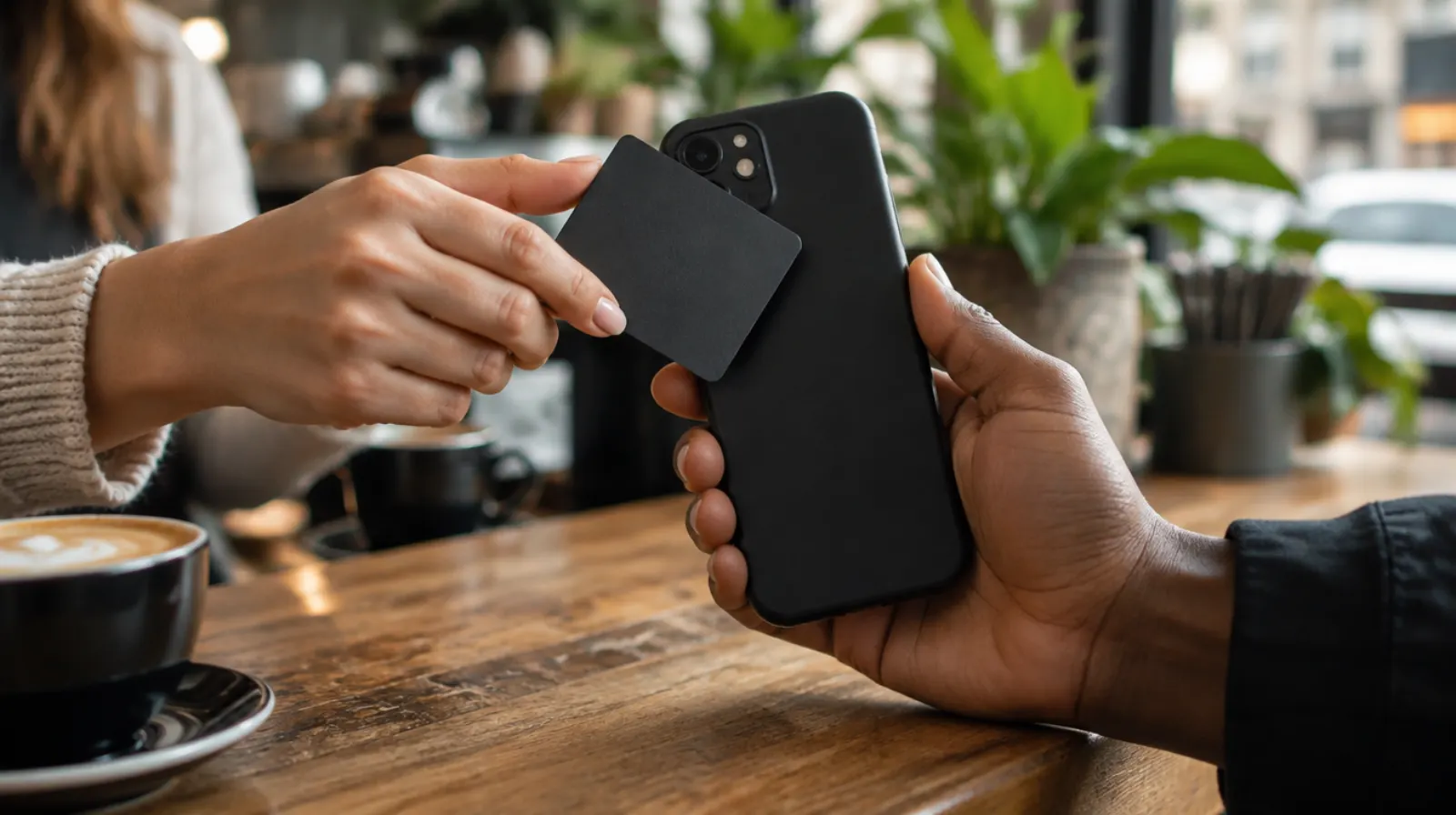
An NFC business card looks like an ordinary card. Tap it against the back of someone's phone and your details open on their screen, no app, no typing, no card left behind in their car. It is the most memorable way to swap details in person, and also the most misunderstood, so this is a plain explanation of what it does and does not do.
What happens when you tap
Inside the card is a tiny chip and an antenna, thinner than a sheet of paper. It has no battery. When it comes within a few centimetres of a phone, the phone's own NFC reader powers the chip for a moment and reads what is stored on it.
What is stored on it is almost always one link. That is the whole trick. The phone opens the link, and the link opens your digital business card: your name, number, WhatsApp, email and anything else on your page.
Three things follow from that, and they are the things people most often get wrong.
- The card does not hold your details. It holds a link to them. Change your number on your digital card and the next person to tap sees the new one. You never reprint.
- It cannot read the other person's phone. An NFC business card only hands over a link. It takes nothing from the phone it touches and has nothing to do with your bank card, even though both use tap technology.
- It is only as good as the page behind it. A beautiful metal card that opens a thin, out-of-date page is a letdown. Spend as much care on the page as on the card.
Which phones can read it
Most phones sold in South Africa over the last few years can read an NFC card, but not all of them, and that matters here more than in most markets.
- iPhones from the iPhone XS onwards read NFC cards in the background: the person just holds the top of their phone near the card while it is unlocked.
- Android phones with NFC usually have it switched on already, since it is the same feature used for tap-to-pay. On some it needs switching on in settings.
- Many budget Android phones have no NFC at all. In a market where a lot of people buy entry-level phones, you will meet people whose phone simply cannot read your card.
That last point is why an NFC card should never be your only way to share. Every phone with a camera can scan a QR code. The best NFC cards print one on the back, so the same card works for everyone.
What they cost
Prices checked on each seller's own page on 21 September 2026. Physical cards are a once-off purchase.
| Seller | PVC card | Wood or bamboo | Metal |
|---|---|---|---|
| MeCard | R299 to R399 | Not listed | Not listed |
| Tappa | R399 (sale; normally R599) | Not listed | R950 steel (sale; normally R1,200) |
| Newbi | R550 | R740 | R1,120 |
The card is only half the cost. Check what the page behind it costs every month or year, because that is the part you keep paying for. A cheap card tied to an expensive profile, or the reverse, can end up costing more than it looks.
Do you actually need one?
You do not need an NFC card to have a digital business card. A QR code on your phone screen or a link sent on WhatsApp does everything the card does, for free.
What the card adds is the moment. You hand someone nothing, you just tap, and your details appear in front of them. People remember that, and it quietly tells them you run a modern business. It earns its cost if you meet people face to face:
- Trades and services meeting clients on site, where a paper card ends up on a dashboard.
- Estate agents, brokers and consultants who introduce themselves many times a day.
- Anyone at events, expos or networking breakfasts, where you want to be remembered among fifty other people.
- Shop counters and salons, where a card on the counter lets customers tap to save you or book again.
If nearly all your introductions happen online, skip the card and put the money into your page.
What to check before you buy
- It has a QR code on it too, so it works on phones without NFC.
- You can change where it points or at least edit the page it opens, without buying a new card.
- It keeps working if you change your plan, rename your page or update your details. Ask the seller directly.
- The design is yours: your name, details and, ideally, your own logo on the front, printed to last.
- The page behind it does what you need, whether that is simply sharing contact details or letting people order and book.
How a Newbi NFC card works
A Newbi card is programmed with its own short Newbi link, which we point at your card. Because the chip holds that link, you can update your details, photo, products or design as often as you like, and every card you have already handed out opens the new version. The card is printed with your name and title on the front and a QR code on the back, comes in PVC, bamboo or metal, and is ordered from your dashboard and paid in rand.
That QR code on the back is there for the people whose phones cannot read NFC, so no one is left out because of the phone they carry.
Quick answers
Does the other person need an app? No. Their phone opens a normal web page.
Can someone steal information by tapping my card? No. The card only gives out a link to your public card page, which is the information you chose to share.
Does the card need charging? No. It has no battery; the phone powers it for the moment it reads it.
Will it work through a phone case? Usually, with ordinary cases. Very thick or metal cases can block it.